
Projectors
Bright, high-resolution projectors matched to your room size and lighting.
Projection and displays · South Florida
Bright projectors, projection screens and TVs for presentations, seminars and events in West Palm Beach, Boca Raton, Fort Lauderdale and across South Florida. We connect your laptop, test your slides and videos, and stay on site to run it.
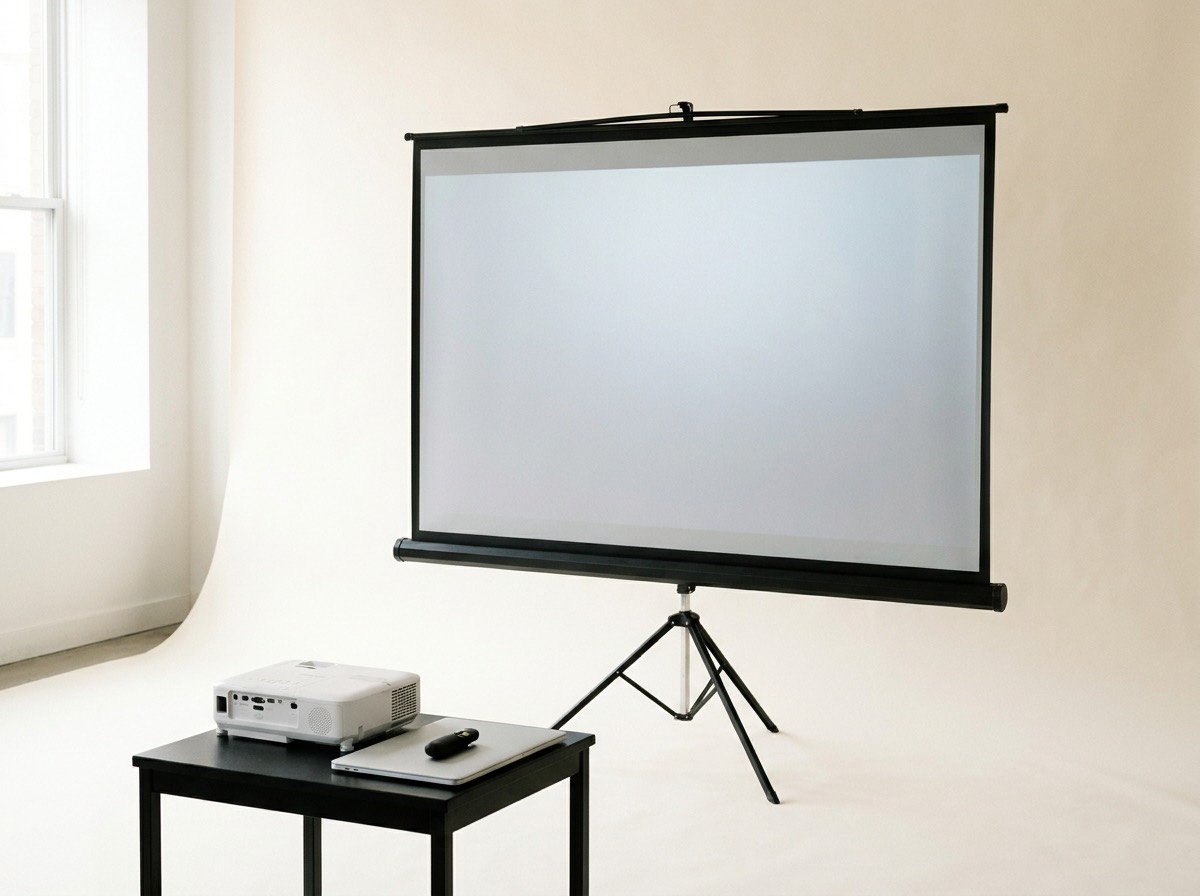
Visuals, planned properly
A screen that is too small or a projector that is too dim makes the best presentation hard to follow. We size the setup to your room and lighting before show day.
Rooms with windows or bright overhead lights need a brighter projector. We match the projector to your room so slides stay sharp without dimming the lights.
We pick the screen size from the depth of your room, so guests in the last row can read your text and charts.
We connect your laptop, check your slides, videos and clicker, and solve adapter issues before your first presenter steps up.
Projection and display equipment
Bright, high-resolution projectors matched to your room size and lighting.
Portable tripod screens for meeting rooms and larger screens for ballrooms and conference halls.
TVs on stands for small rooms, breakouts, welcome screens and sponsor slides.
HDMI and USB-C adapters for Mac and PC, plus cable runs to wherever the presenter stands.
A wireless clicker so presenters can advance slides from anywhere in the room.
A screen facing the presenter, so they can see their slides without turning their back to the audience.
Events we support
From a single training room to a full ballroom, here is what we typically provide.
Why Equation AV
Equation AV is owner-operated by Andrew Burns, a Berklee-trained audio engineer who has worked in television and live event audio since 2015. You deal with one person from the first call to the last cable.
More about AndrewWe arrive early, so everything is checked before your first guest walks in.
Someone experienced runs your AV for the whole program, ready to fix anything quickly.
You see exactly what is included before you book. No hidden line items after the event.
FAQ
A projector and screen sized to your room, laptop connection and adapters, a presenter clicker, setup and testing with your slides, an on-site technician for your full event and teardown afterward.
It depends on how deep your room is. The farther away the back row sits, the bigger the screen needs to be. We size it from your venue and room layout on a short call.
TVs work well in small meeting rooms and breakout rooms, and for welcome screens and sponsor slides. For larger rooms and audiences, a projector and screen gives a much bigger picture.
Not with the right projector. Rooms with windows or bright lights need a brighter projector, and we choose one to match your room so you don't have to turn off the lights.
Yes. We bring adapters for HDMI and USB-C and test every presenter's laptop before the event starts.
Yes. We play video audio through our sound system or the venue's speakers, and test every video before doors.
Two weeks or more is ideal, especially in busy months. Shorter notice is often possible, so reach out even if your event is soon.
It depends on your room, the equipment and your schedule. Every quote is itemized, so you see exactly what is included before you book. Book a 15-minute call to get yours.
More AV services
Speakers, mixer and a live engineer.
Learn moreLavalier and handheld mics, fitted and tested.
Learn moreComplete AV for seminars, conferences and trainings.
Learn moreSound and visuals for galas, launches and parties.
Learn moreGet in touch
Book a quick 15-minute call and we'll put together a clear, itemized quote. Can't make a call? Email us your event details instead.
Helpful to include